

Stamp text across every page of a PDF, with adjustable size, color, and rotation.
Updated
/ 5 - Be the first to rate this tool Thanks for rating!
Verification failed - please try again.
Quick check
Please verify you're not a robot to submit your rating.
Give feedback
Tell us what you think about Add a watermark to a PDF for free.
Drop a PDF here, or click to upload
Stamp text across every page
Your file will appear here.
Processing…
- Runs entirely in your browser — your file is never uploaded
- Control text, size, color, rotation, and tiling
- Free, no account required
How it works
-
1
Upload the PDF you want to edit.
-
2
Adjust the available options — rotation, text, placement, and so on.
-
3
Apply your changes.
-
4
Download the edited PDF.
Why use this tool
Every PDF task, one place
Merge, split, compress, convert, sign, and more — no need to juggle separate apps for each job.
Private by default
Most tools process your file entirely in the browser — it's never uploaded. When a conversion needs the server, the file is deleted within the hour.
Works on any device
Runs in the browser on Windows, Mac, Linux, iOS, and Android — nothing to install, nothing to trust but the tab.
Fast by design
No queues and no desktop app to wait on — most jobs finish in a few seconds, right where you are.
Convert to and from any format
Move between PDF, Word, Excel, PowerPoint, images, and HTML — output stays true to your original formatting.
Free, always
Every tool here is free to use, with no watermarks, page limits, or forced trial period.
Frequently asked questions
Yes, there is an option to repeat the watermark in a diagonal grid pattern across the whole document.
Yes, the tool allows you to upload custom images (like PNGs with transparency) to use as the watermark.
You have full control over the opacity slider, ensuring the text underneath remains legible.
You can choose the layer positioning, though placing it behind requires the PDF to have a transparent background.
Standard watermarks can sometimes be removed with advanced editing software; they act more as a deterrent than strict security.
From the blog
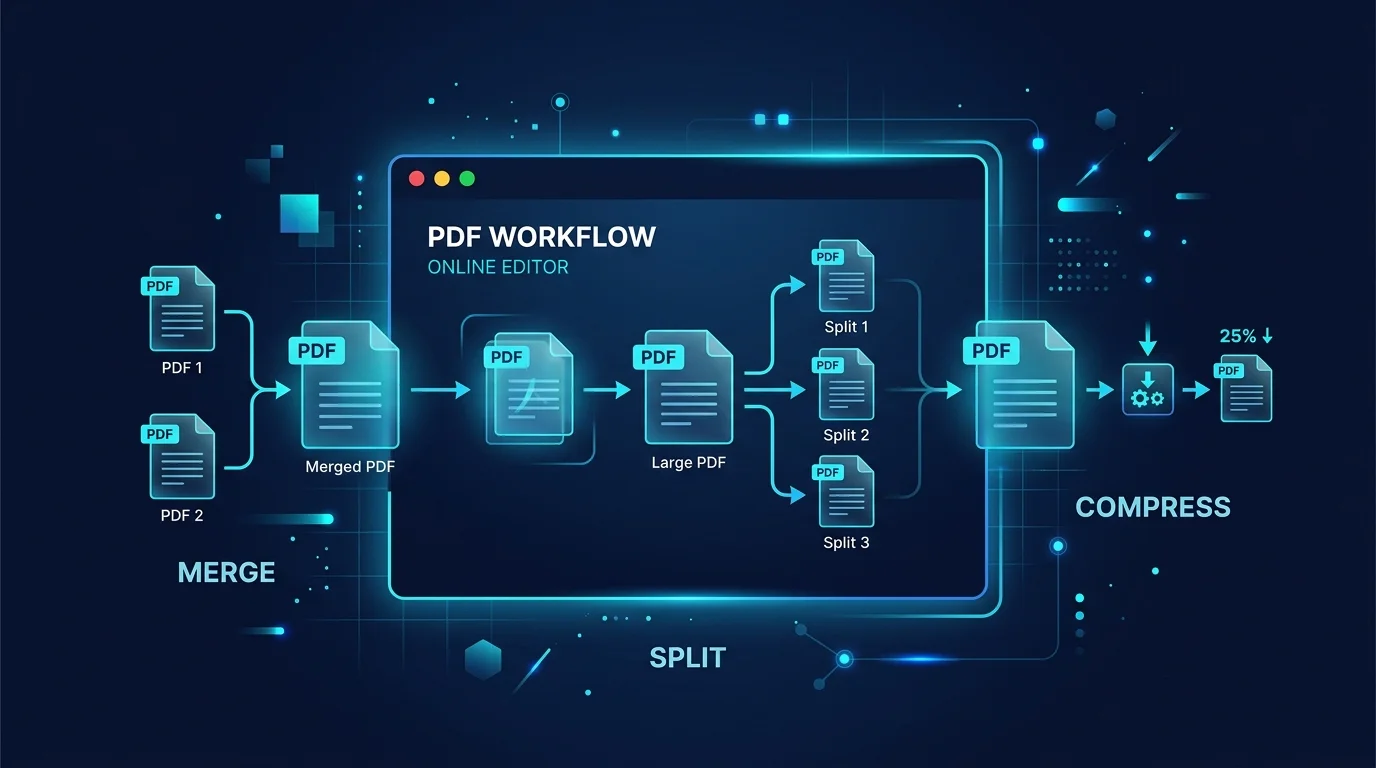
Editing a PDF in Your Browser: How a Client-Side PDF Editor Actually Works
Adding text, filling forms, signing, and rearranging pages without a single byte leaving your machine. Here is what a browser-based PDF editor can do, what it cannot, and why that distinction matters.
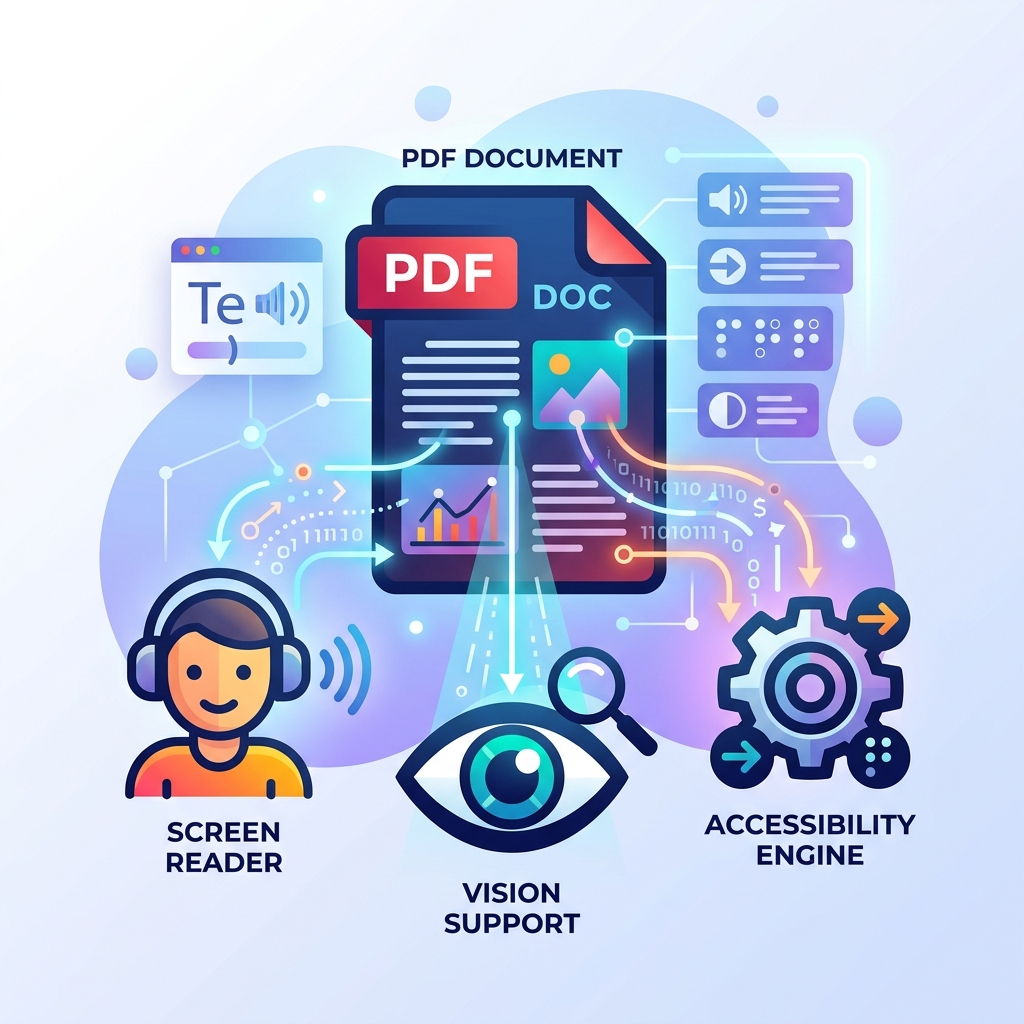
How to Make Your PDFs Accessible: Screen Readers and Standards
A practical guide to making PDF documents accessible for screen readers and compliant with WCAG standards without rebuilding them from scratch.
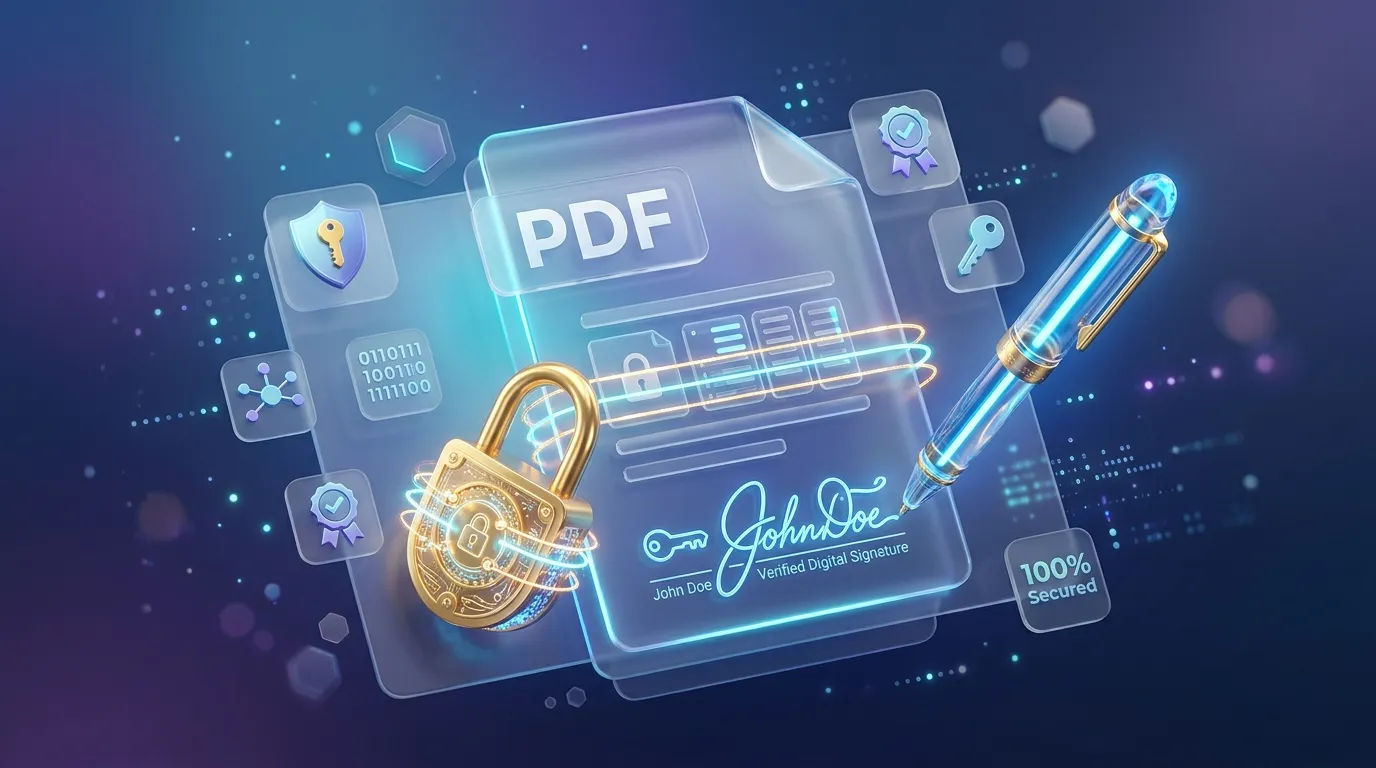
How to Sign, Secure, and Password Protect Your PDFs Online
Learn how to protect sensitive information in your PDFs, apply password encryption, and electronically sign documents directly in your browser securely.
Recently viewed
Related tools
Fill out a PDF form for free
Fill in an existing PDF's fillable fields and save your answers, right in your browser.
Flatten a PDF for free
Turn fillable form fields into permanent, uneditable page content.
Edit a PDF for free
Add and edit text on any PDF page, with your choice of fonts, right in your browser.
Add page numbers to a PDF for free
Insert page numbers in any corner, with a custom starting number and format.
Rotate PDF pages for free
Rotate one page or an entire PDF document to the correct orientation.
Add a signature to a PDF for free
Draw a signature and place it on any page of a PDF, right in your browser.
Convert WebP to PNG for free
Convert a WebP image to widely-supported PNG right in your browser.
Generate a WhatsApp QR code for free
Create a QR code that opens a WhatsApp chat with your number and an optional message.
Clean whitespace and line endings online
Trim trailing whitespace, collapse repeated blank lines, and normalize line endings, instantly in your browser.
Generate a Wi-Fi QR code for free
Create a QR code that connects devices to your Wi-Fi network instantly.
Count words and characters online
Get a live word count, character count, sentence count, and reading time, instantly in your browser.
Convert Word to PDF for free
Turn a .docx document into a PDF, preserving your original formatting.