

Fill in an existing PDF's fillable fields and save your answers, right in your browser.
Updated
/ 5 - Be the first to rate this tool Thanks for rating!
Verification failed - please try again.
Quick check
Please verify you're not a robot to submit your rating.
Give feedback
Tell us what you think about Fill out a PDF form for free.
Drop a PDF here, or click to upload
Fills in the PDF's existing form fields
Reading form fields…
Your file will appear here.
Processing…
- Runs entirely in your browser — your file is never uploaded
- Fill in existing fillable fields and save your answers
- Free, no account required
How it works
-
1
Upload the PDF you want to edit.
-
2
Adjust the available options — rotation, text, placement, and so on.
-
3
Apply your changes.
-
4
Download the edited PDF.
Why use this tool
Every PDF task, one place
Merge, split, compress, convert, sign, and more — no need to juggle separate apps for each job.
Private by default
Most tools process your file entirely in the browser — it's never uploaded. When a conversion needs the server, the file is deleted within the hour.
Works on any device
Runs in the browser on Windows, Mac, Linux, iOS, and Android — nothing to install, nothing to trust but the tab.
Fast by design
No queues and no desktop app to wait on — most jobs finish in a few seconds, right where you are.
Convert to and from any format
Move between PDF, Word, Excel, PowerPoint, images, and HTML — output stays true to your original formatting.
Free, always
Every tool here is free to use, with no watermarks, page limits, or forced trial period.
Frequently asked questions
This utility is specifically designed to interact with pre-defined fillable form fields (text boxes, checkboxes, dropdowns).
If the creator did not define a form field in that location, you cannot type there. The document is likely flattened.
You must download the partially filled file to your computer; the browser session will not remember your entries if reloaded.
By default, the output remains an interactive form. You must use the Flatten tool if you want to lock the answers permanently.
No, it respects the formatting rules (like requiring numbers or specific date formats) set by the original document author.
From the blog
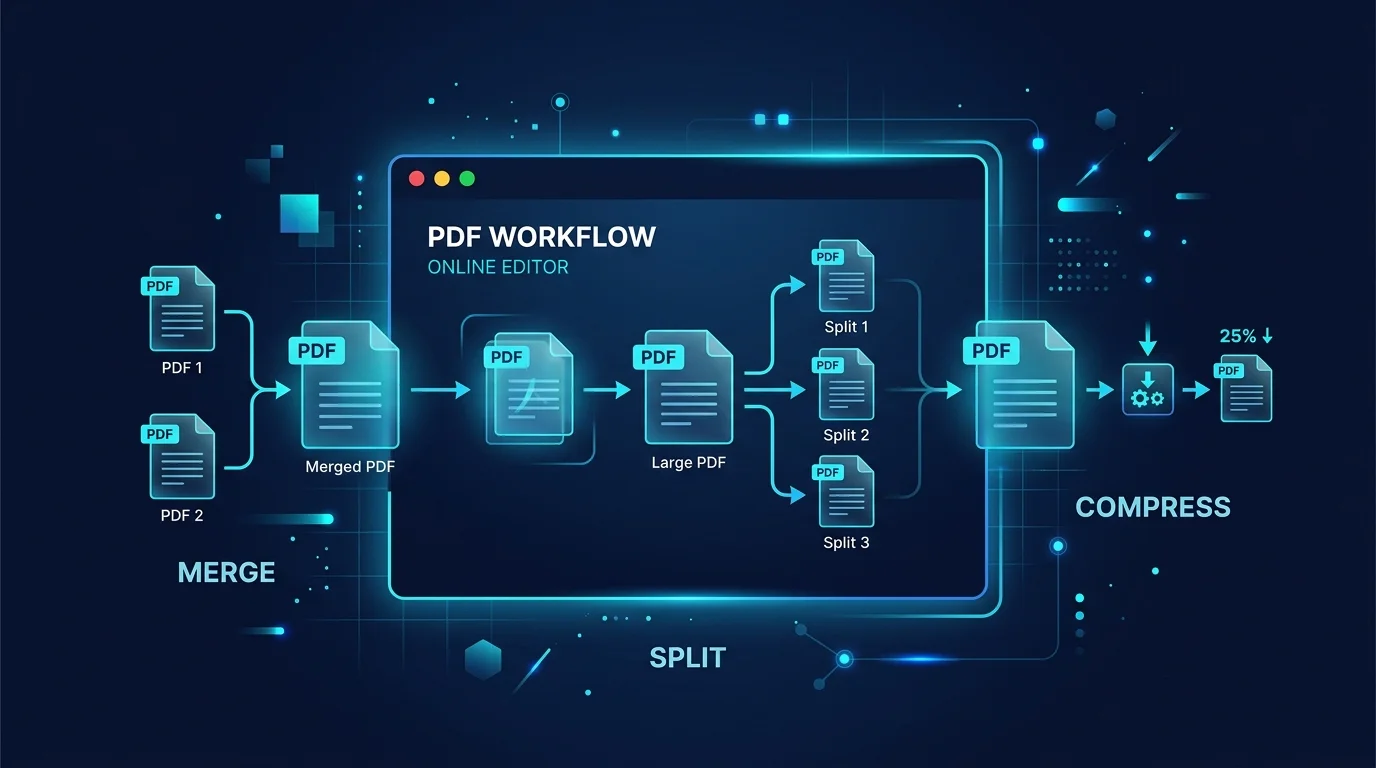
Editing a PDF in Your Browser: How a Client-Side PDF Editor Actually Works
Adding text, filling forms, signing, and rearranging pages without a single byte leaving your machine. Here is what a browser-based PDF editor can do, what it cannot, and why that distinction matters.
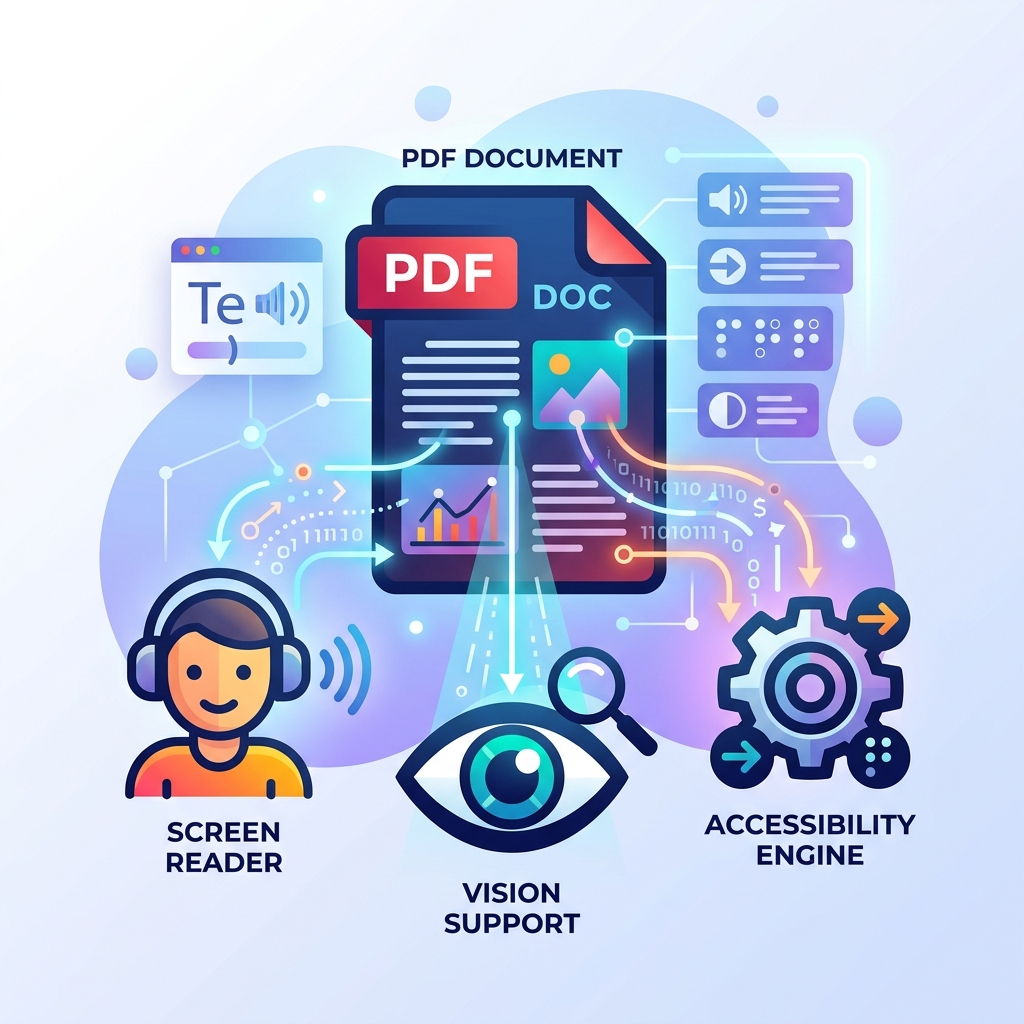
How to Make Your PDFs Accessible: Screen Readers and Standards
A practical guide to making PDF documents accessible for screen readers and compliant with WCAG standards without rebuilding them from scratch.
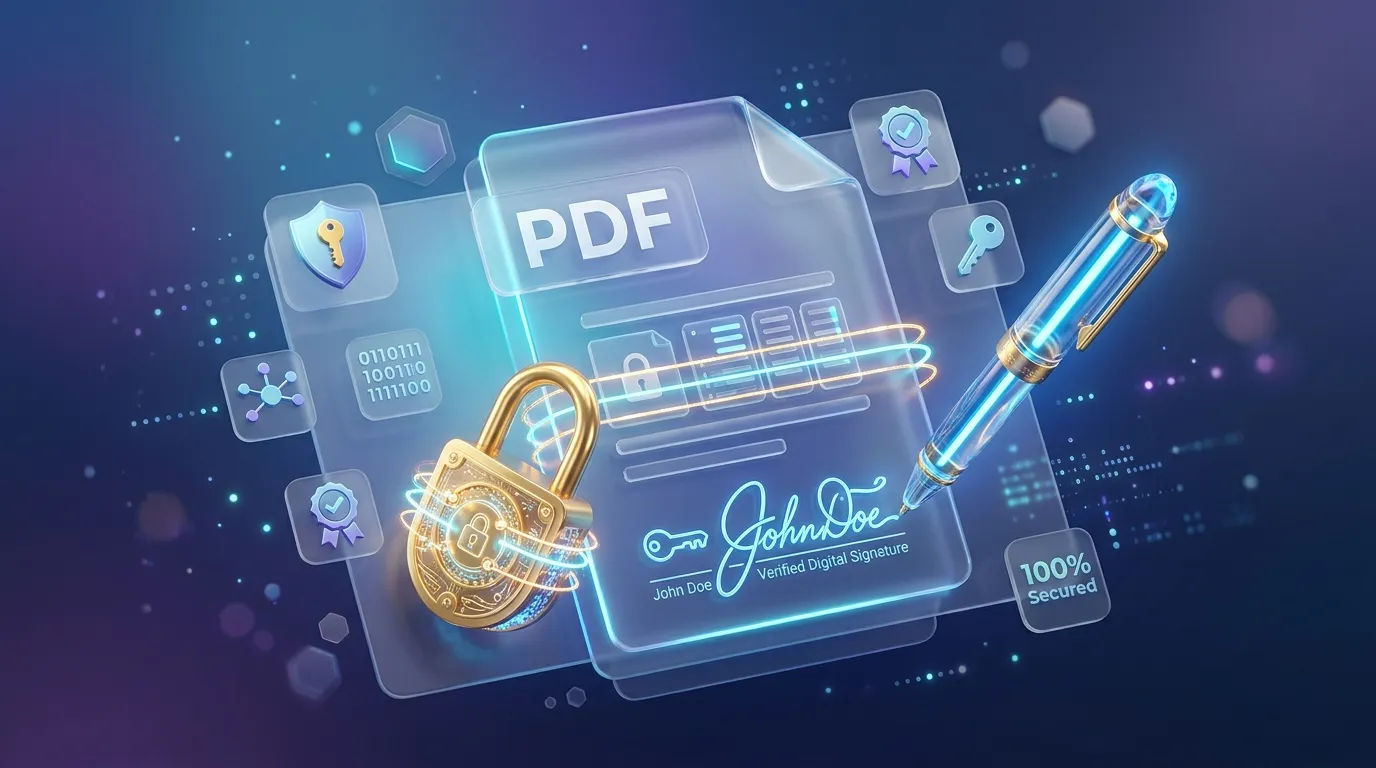
How to Sign, Secure, and Password Protect Your PDFs Online
Learn how to protect sensitive information in your PDFs, apply password encryption, and electronically sign documents directly in your browser securely.
Related tools
Flatten a PDF for free
Turn fillable form fields into permanent, uneditable page content.
Edit a PDF for free
Add and edit text on any PDF page, with your choice of fonts, right in your browser.
Add page numbers to a PDF for free
Insert page numbers in any corner, with a custom starting number and format.
Rotate PDF pages for free
Rotate one page or an entire PDF document to the correct orientation.
Add a signature to a PDF for free
Draw a signature and place it on any page of a PDF, right in your browser.
Add a watermark to a PDF for free
Stamp text across every page of a PDF, with adjustable size, color, and rotation.
Flip an image online for free
Mirror a JPG, PNG, or WebP image horizontally or vertically, right in your browser.
Generate a location QR code for free
Create a QR code that opens a map at your exact latitude and longitude.
Make a GIF from images or split a GIF into frames
Turn images into an animated GIF with your own frame delay, loop and size, or split a GIF into PNG frames, right in your browser.
Generate a .gitignore file online
Pick languages, frameworks, and editors to instantly build a combined .gitignore file, in your browser.
Generate MD5 and SHA hashes online
Compute MD5, SHA-1, SHA-256, SHA-384, and SHA-512 hashes of any text in your browser.
Parse and view HTTP headers online
Paste raw HTTP request or response headers to see them parsed into a labeled table, in your browser.