

Remove password protection from a PDF you own the rights to.
Updated
/ 5 - Be the first to rate this tool Thanks for rating!
Verification failed - please try again.
Quick check
Please verify you're not a robot to submit your rating.
Give feedback
Tell us what you think about Remove a PDF password for free.
- Removes password protection from PDFs you have the right to edit
- File and password are discarded immediately after your download starts
- Free, no account required
How it works
-
1
Upload the PDF you want to secure or unlock.
-
2
Enter a password — a new one to protect it, or the existing one to remove it.
-
3
The file is re-encrypted or decrypted in place.
-
4
Download the result.
Why use this tool
Every PDF task, one place
Merge, split, compress, convert, sign, and more — no need to juggle separate apps for each job.
Private by default
Most tools process your file entirely in the browser — it's never uploaded. When a conversion needs the server, the file is deleted within the hour.
Works on any device
Runs in the browser on Windows, Mac, Linux, iOS, and Android — nothing to install, nothing to trust but the tab.
Fast by design
No queues and no desktop app to wait on — most jobs finish in a few seconds, right where you are.
Convert to and from any format
Move between PDF, Word, Excel, PowerPoint, images, and HTML — output stays true to your original formatting.
Free, always
Every tool here is free to use, with no watermarks, page limits, or forced trial period.
Frequently asked questions
No, this is not a cracking tool. You must know the current password to permanently strip the protection from the file.
Providing the correct user (open) password will generally allow the tool to strip all restrictive security settings from the document.
Yes, the contents remain perfectly intact; only the encryption wrapper is removed.
You should only remove protection from documents you personally own or have explicit authorization to modify.
Extremely complex encryption schemes (like those using proprietary DRM) cannot always be processed by standard web tools.
From the blog
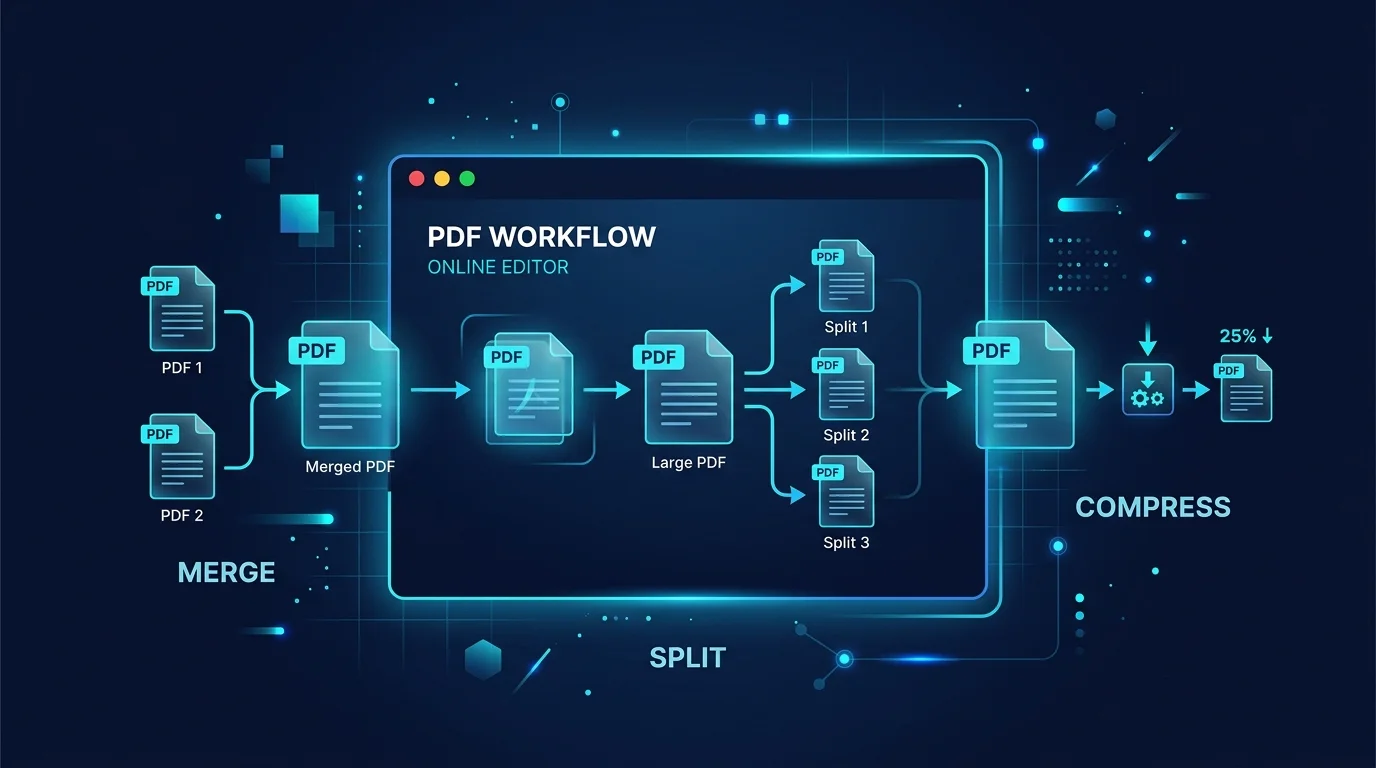
Editing a PDF in Your Browser: How a Client-Side PDF Editor Actually Works
Adding text, filling forms, signing, and rearranging pages without a single byte leaving your machine. Here is what a browser-based PDF editor can do, what it cannot, and why that distinction matters.
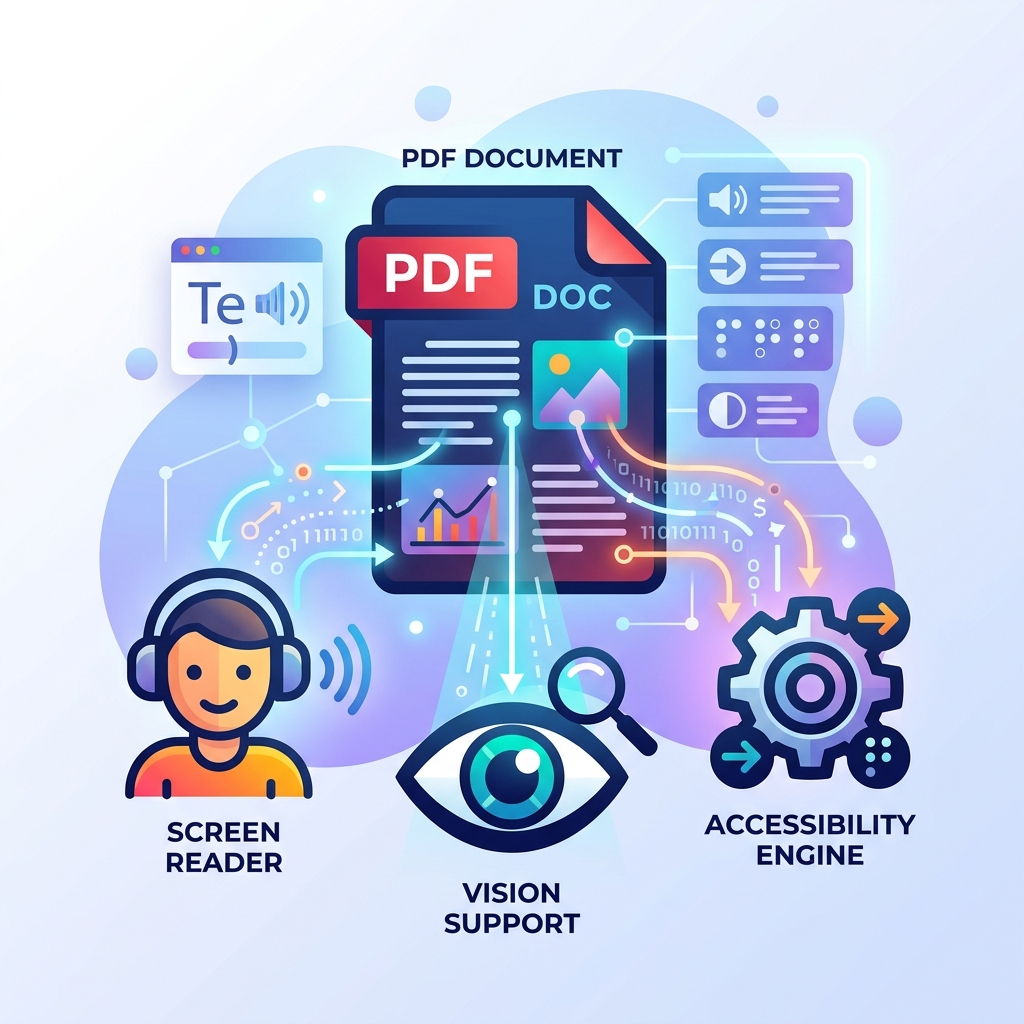
How to Make Your PDFs Accessible: Screen Readers and Standards
A practical guide to making PDF documents accessible for screen readers and compliant with WCAG standards without rebuilding them from scratch.
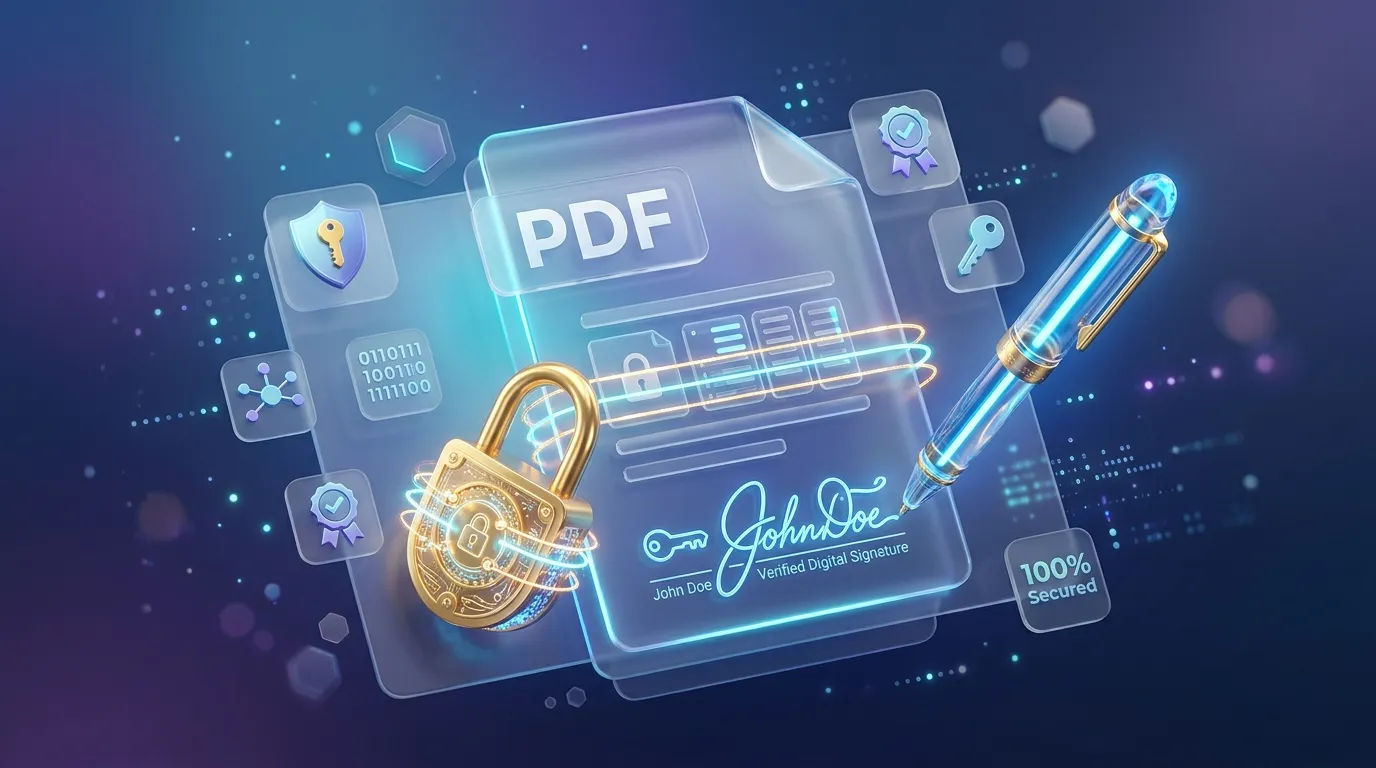
How to Sign, Secure, and Password Protect Your PDFs Online
Learn how to protect sensitive information in your PDFs, apply password encryption, and electronically sign documents directly in your browser securely.
Recently viewed
Add a watermark to a PDF for free
Stamp text across every page of a PDF, with adjustable size, color, and rotation.
Generate a calendar event QR code for free
Create a QR code that adds an event to the calendar when scanned, using the iCalendar format.
Scan a QR code online for free
Upload or paste a QR code image to instantly decode its content.
Related tools
Add a password to a PDF for free
Encrypt a PDF with a password so only people you share it with can open it.
Redact a PDF for free
Black out text and images in a PDF by drawing boxes or searching for words, with the hidden content removed for good, not just covered.
Generate a UPI payment QR code for free
Create a UPI QR code so anyone can pay you by scanning it with their payment app.
URL encode or decode a string online
Percent-encode or decode a URL or query string component instantly in your browser.
Generate random UUIDs (v4)
Generate one or many cryptographically random v4 UUIDs instantly in your browser.
Generate a vCard QR code for free
Share your contact details instantly with a scannable vCard QR code.
Add a watermark to a PDF for free
Stamp text across every page of a PDF, with adjustable size, color, and rotation.
Convert WebP to PNG for free
Convert a WebP image to widely-supported PNG right in your browser.
Generate a WhatsApp QR code for free
Create a QR code that opens a WhatsApp chat with your number and an optional message.
Clean whitespace and line endings online
Trim trailing whitespace, collapse repeated blank lines, and normalize line endings, instantly in your browser.
Generate a Wi-Fi QR code for free
Create a QR code that connects devices to your Wi-Fi network instantly.
Count words and characters online
Get a live word count, character count, sentence count, and reading time, instantly in your browser.