

/ 5 - Be the first to rate this tool Thanks for rating!
Verification failed - please try again.
Quick check
Please verify you're not a robot to submit your rating.
Give feedback
Tell us what you think about Summarize a PDF with AI.
✨ AI: Summarize this PDF — sign in to use
Sign in- Works on reports, contracts, papers, and any other PDF
- Summary covers the main points, in the order they appear
- Sign in to use — connect your own API key
How it works
-
1
Sign in — AI features run on your account, not anonymously.
-
2
Pick a provider and model, or use your own API key.
-
3
Upload your PDF (or paste text) and run Summarize a PDF with AI.
-
4
Read or copy the result.
Why use this tool
Every PDF task, one place
Merge, split, compress, convert, sign, and more — no need to juggle separate apps for each job.
Private by default
Most tools process your file entirely in the browser — it's never uploaded. When a conversion needs the server, the file is deleted within the hour.
Works on any device
Runs in the browser on Windows, Mac, Linux, iOS, and Android — nothing to install, nothing to trust but the tab.
Fast by design
No queues and no desktop app to wait on — most jobs finish in a few seconds, right where you are.
Convert to and from any format
Move between PDF, Word, Excel, PowerPoint, images, and HTML — output stays true to your original formatting.
Free, always
Every tool here is free to use, with no watermarks, page limits, or forced trial period.
Frequently asked questions
From the blog
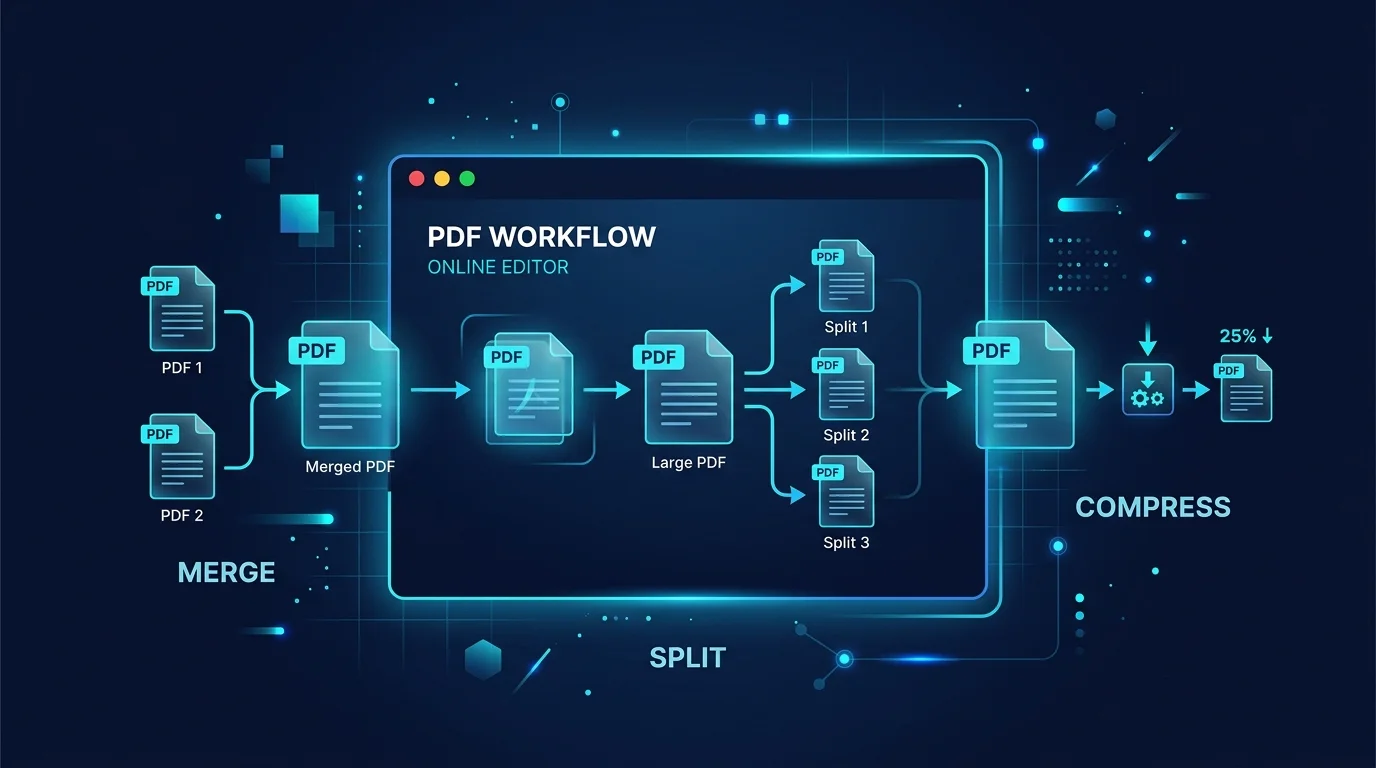
Editing a PDF in Your Browser: How a Client-Side PDF Editor Actually Works
Adding text, filling forms, signing, and rearranging pages without a single byte leaving your machine. Here is what a browser-based PDF editor can do, what it cannot, and why that distinction matters.
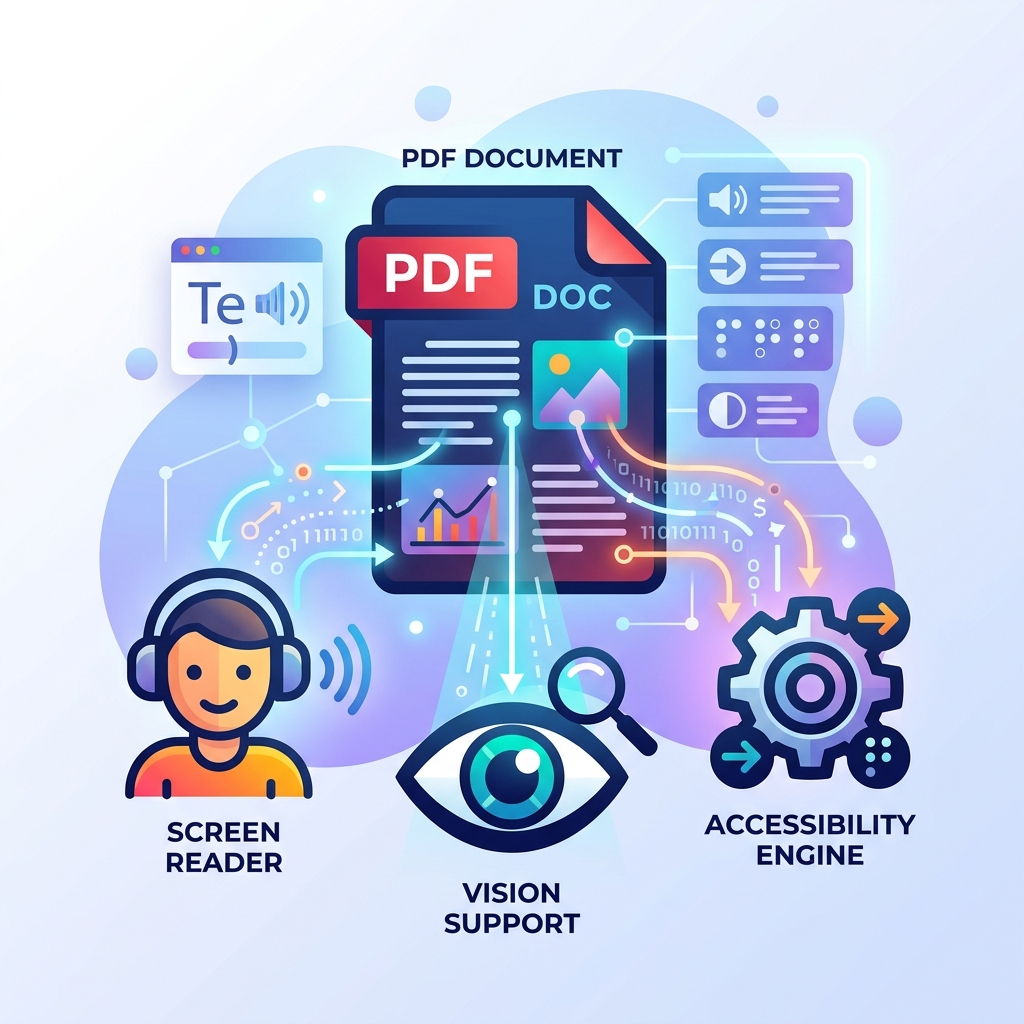
How to Make Your PDFs Accessible: Screen Readers and Standards
A practical guide to making PDF documents accessible for screen readers and compliant with WCAG standards without rebuilding them from scratch.

How to Sign, Secure, and Password Protect Your PDFs Online
Learn how to protect sensitive information in your PDFs, apply password encryption, and electronically sign documents directly in your browser securely.
Recently viewed
Extract tables from a PDF with AI
Pull tables out of a PDF as clean Markdown, with higher accuracy than layout-based extraction.
View and remove photo EXIF metadata
See the camera, settings, date and GPS location hidden in a JPEG, then download a copy with the metadata removed.
Optimize and minify SVG files
Shrink SVG files by removing comments, editor metadata, empty groups and extra precision, right in your browser.
Related tools
Chat with a PDF using AI
Ask questions about a PDF and get answers grounded in its content.
AISummarize what changed between two PDFs
Upload two versions of a PDF and get a plain-language summary of what changed.
AIClean up OCR text with AI
Paste text extracted by OCR and get it corrected and cleaned up.
AIExtract tables from a PDF with AI
Pull tables out of a PDF as clean Markdown, with higher accuracy than layout-based extraction.
Optimize and minify SVG files
Shrink SVG files by removing comments, editor metadata, empty groups and extra precision, right in your browser.
Convert text to binary or hex and back
Convert text to binary or hexadecimal UTF-8 bytes and decode them back to text, instantly in your browser.
Compare two texts and see the differences
Paste two blocks of text to see every added and removed line highlighted, instantly in your browser.
Convert a Unix timestamp to a date
Convert a Unix timestamp to a human-readable date, or a date back to a timestamp, in your browser.
Convert TOML to JSON and JSON to TOML
Convert TOML config files to pretty JSON and JSON back to TOML, with tables, arrays of tables and dates. Parse errors show the line number, entirely in your browser.
Resize an image to X (Twitter) post size for free
Fit or fill an image to the 1200×675 X (Twitter) post size, with drag-to-reposition and zoom, right in your browser.
Parse a User-Agent string online
Paste a browser User-Agent string to see its browser, operating system, and device type, in your browser.
Inspect every Unicode character in your text
See code points, UTF-8 bytes, UTF-16 units, HTML entities, escapes and categories for each character, and find hidden invisible characters.