

Drag and drop page thumbnails to put your PDF pages in a new order.
Updated
/ 5 - Be the first to rate this tool Thanks for rating!
Verification failed - please try again.
Quick check
Please verify you're not a robot to submit your rating.
Give feedback
Tell us what you think about Reorder PDF pages for free.
Drop a PDF here, or click to upload
Drag pages by their handle to reorder them
Rendering pages…
Your file will appear here.
Processing…
- Runs entirely in your browser — your file is never uploaded
- Drag and drop page thumbnails to reorder instantly
- Free, no account required
How it works
-
1
Upload one or more PDF files.
-
2
Reorder, remove, or select the pages you want.
-
3
Apply the change and preview the result.
-
4
Download the updated PDF.
Why use this tool
Every PDF task, one place
Merge, split, compress, convert, sign, and more — no need to juggle separate apps for each job.
Private by default
Most tools process your file entirely in the browser — it's never uploaded. When a conversion needs the server, the file is deleted within the hour.
Works on any device
Runs in the browser on Windows, Mac, Linux, iOS, and Android — nothing to install, nothing to trust but the tab.
Fast by design
No queues and no desktop app to wait on — most jobs finish in a few seconds, right where you are.
Convert to and from any format
Move between PDF, Word, Excel, PowerPoint, images, and HTML — output stays true to your original formatting.
Free, always
Every tool here is free to use, with no watermarks, page limits, or forced trial period.
Frequently asked questions
Simply click and hold the page thumbnail, drag it to the desired spot in the grid, and release.
Currently, the interface is optimized for dragging and dropping individual pages one at a time.
Internal links usually rely on absolute structural targets; shifting page order may break links pointing to specific locations.
No, the actual contents of the pages remain completely untouched; only their sequence is modified.
Before you click save, you can freely drag the page back to its original location.
From the blog
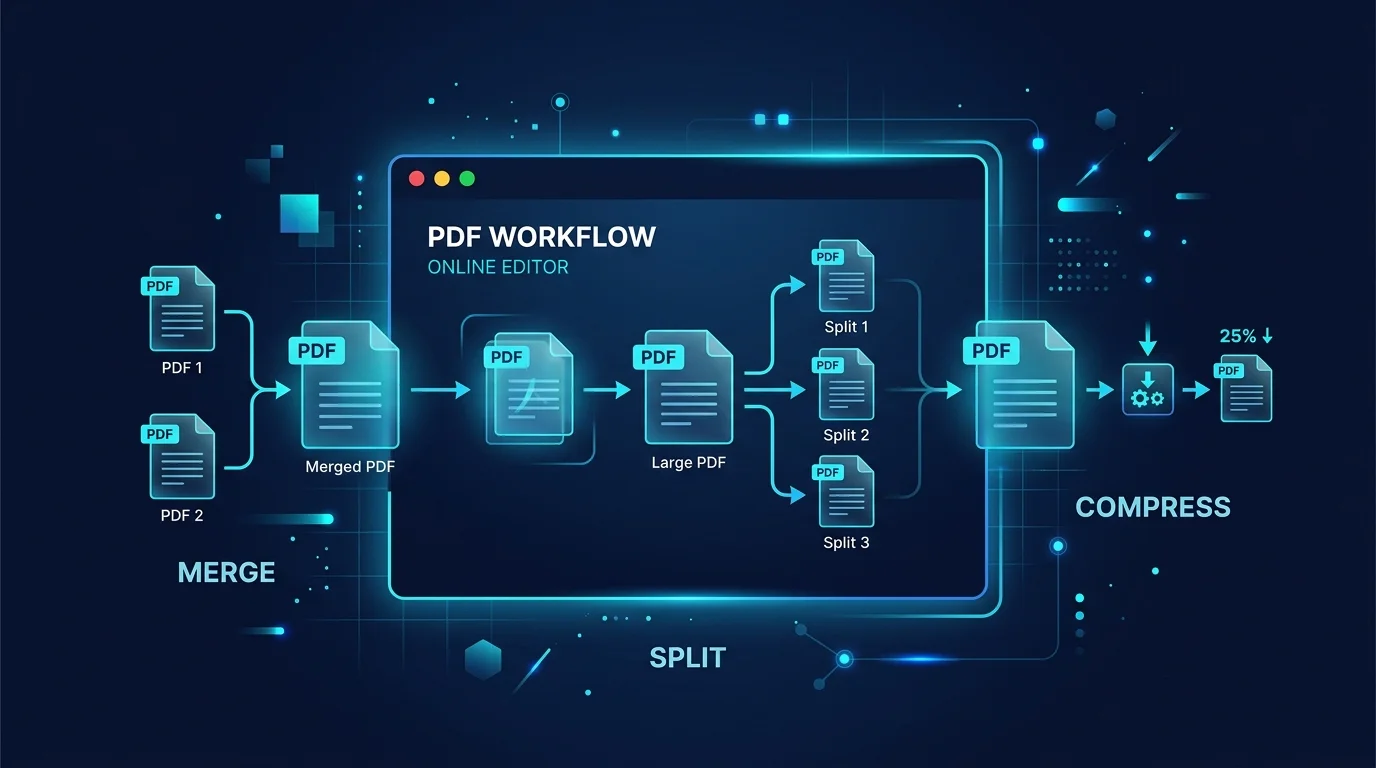
Editing a PDF in Your Browser: How a Client-Side PDF Editor Actually Works
Adding text, filling forms, signing, and rearranging pages without a single byte leaving your machine. Here is what a browser-based PDF editor can do, what it cannot, and why that distinction matters.
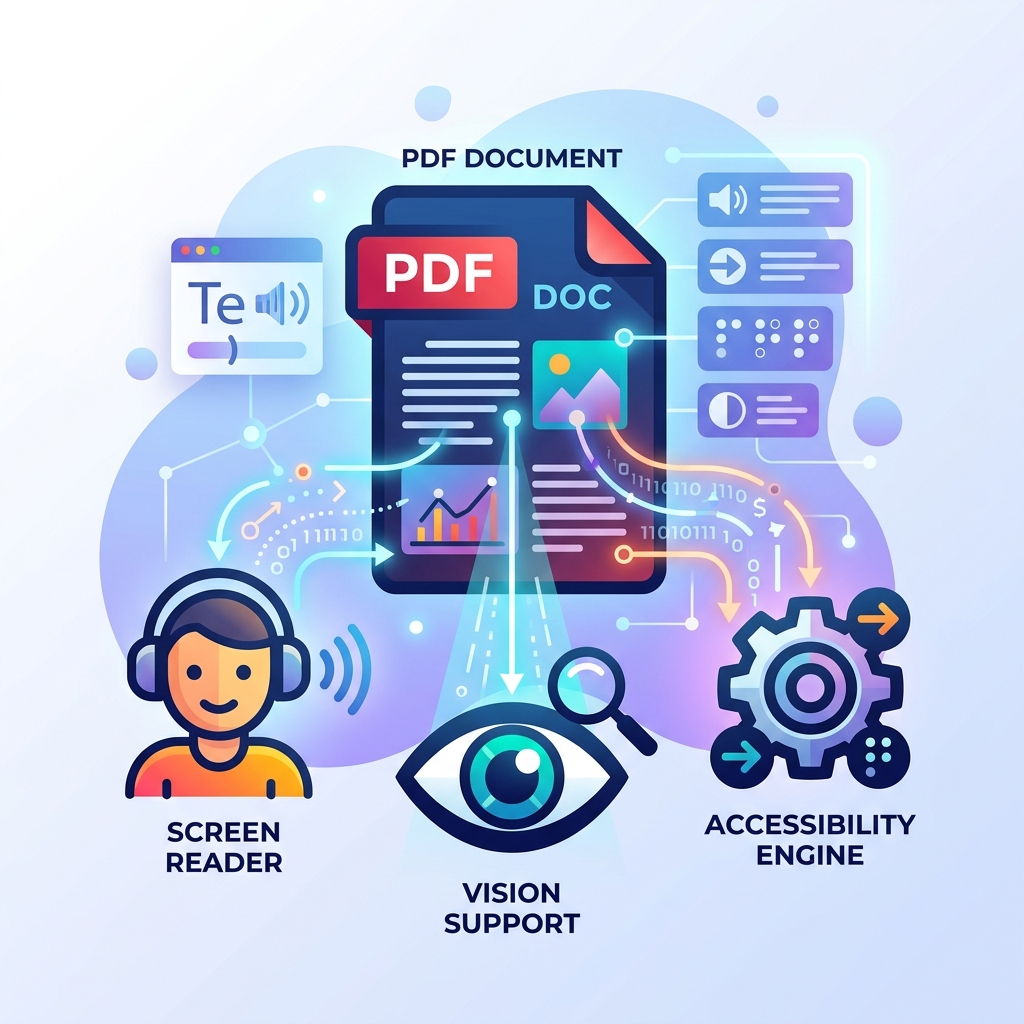
How to Make Your PDFs Accessible: Screen Readers and Standards
A practical guide to making PDF documents accessible for screen readers and compliant with WCAG standards without rebuilding them from scratch.
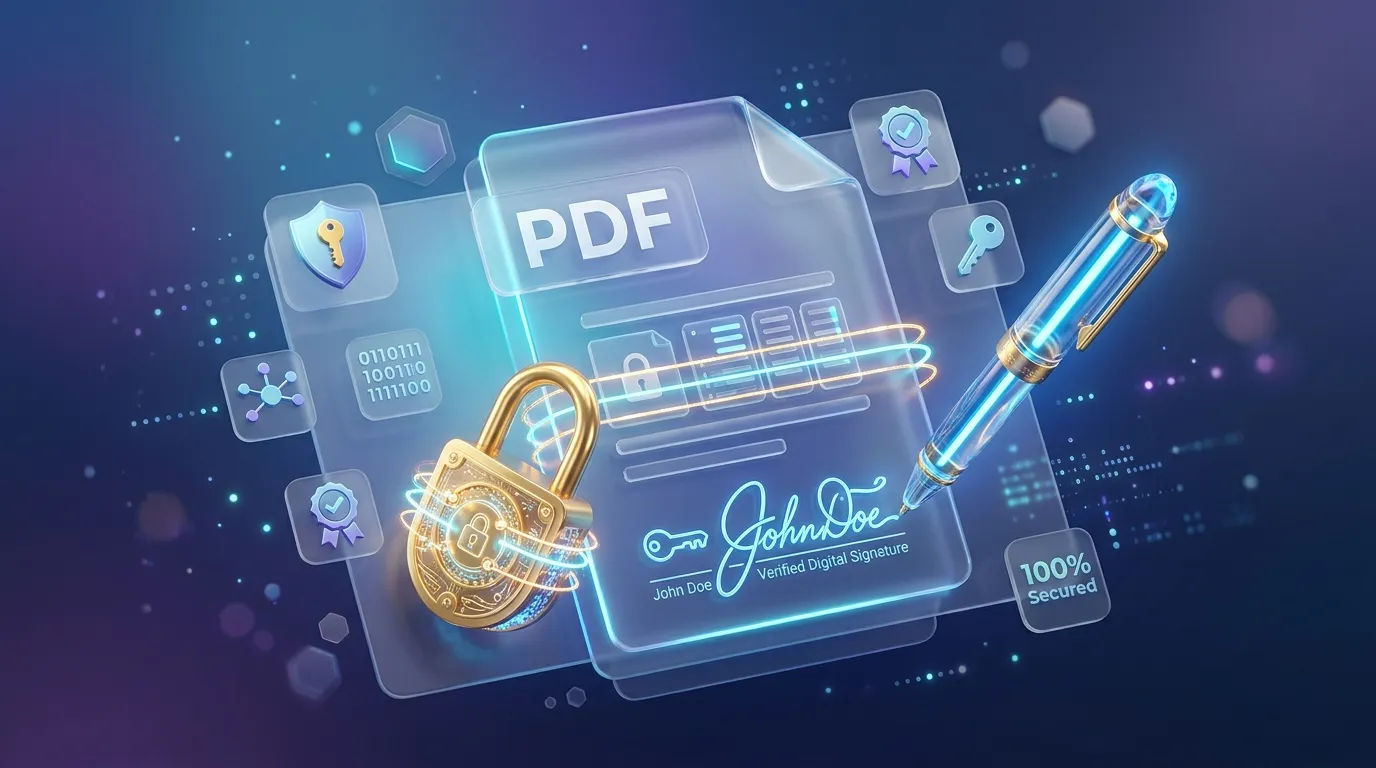
How to Sign, Secure, and Password Protect Your PDFs Online
Learn how to protect sensitive information in your PDFs, apply password encryption, and electronically sign documents directly in your browser securely.
Related tools
Delete pages from a PDF for free
Remove one or more pages from a PDF, right in your browser.
Extract pages from a PDF for free
Pull specific pages out of a PDF into a brand new document.
Merge PDF files online for free
Combine multiple PDF files into a single document in your browser. No install, no signup.
Split a PDF into separate files for free
Extract pages or split a PDF into multiple files instantly in your browser.
Redact a PDF for free
Black out text and images in a PDF by drawing boxes or searching for words, with the hidden content removed for good, not just covered.
Test a regular expression online
Test a JavaScript regular expression against sample text and see every match highlighted live.
Repair a damaged PDF for free
Attempt to recover a PDF that won't open or renders incorrectly.
Resize images in bulk for free
Resize many JPG, PNG, or WebP images at once by percentage, dimensions, or max file size, right in your browser.
Resize an image online for free
Resize JPG, PNG, or WebP images to exact dimensions or a percentage, right in your browser.
Rotate an image online for free
Rotate a JPG, PNG, or WebP image by 90°, 180°, or a custom angle, right in your browser.
Rotate PDF pages for free
Rotate one page or an entire PDF document to the correct orientation.
Scan documents to PDF for free
Capture pages with your phone camera, or upload photos, to build a PDF.