

Turn a slide deck into a shareable PDF, one slide per page.
Updated
/ 5 - Be the first to rate this tool Thanks for rating!
Verification failed - please try again.
Quick check
Please verify you're not a robot to submit your rating.
Give feedback
Tell us what you think about Convert PowerPoint to PDF for free.
- One slide per page, ready to share or print
- Keeps your original slide design and layout
- File is discarded immediately after your download starts
How it works
-
1
Upload the file you want to convert.
-
2
Conversion starts automatically and usually finishes in seconds.
-
3
Preview the result and rename the output if you like.
-
4
Download the converted file.
Why use this tool
Every PDF task, one place
Merge, split, compress, convert, sign, and more — no need to juggle separate apps for each job.
Private by default
Most tools process your file entirely in the browser — it's never uploaded. When a conversion needs the server, the file is deleted within the hour.
Works on any device
Runs in the browser on Windows, Mac, Linux, iOS, and Android — nothing to install, nothing to trust but the tab.
Fast by design
No queues and no desktop app to wait on — most jobs finish in a few seconds, right where you are.
Convert to and from any format
Move between PDF, Word, Excel, PowerPoint, images, and HTML — output stays true to your original formatting.
Free, always
Every tool here is free to use, with no watermarks, page limits, or forced trial period.
Frequently asked questions
No, PDF is a static format. The tool captures the final resting state of each slide as a single flat page.
By default, the conversion focuses purely on the presentation slides and does not export the hidden speaker notes.
No, multimedia elements like video and audio are stripped out and replaced with a static poster image.
The pages will match the exact aspect ratio (usually 16:9 or 4:3) defined in your original PowerPoint deck.
This specific engine is optimized for Microsoft formats (.ppt, .pptx). Keynote files must be exported to PowerPoint first.
From the blog
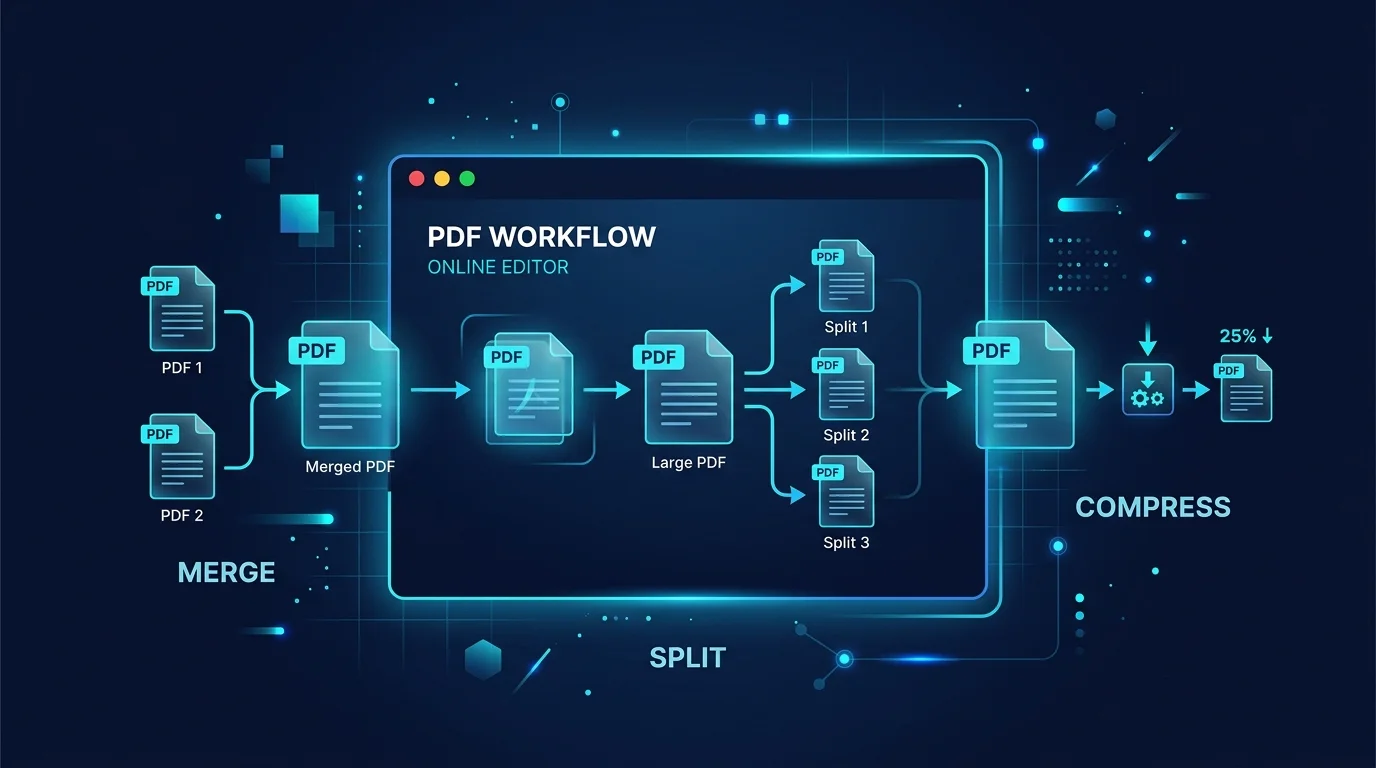
Editing a PDF in Your Browser: How a Client-Side PDF Editor Actually Works
Adding text, filling forms, signing, and rearranging pages without a single byte leaving your machine. Here is what a browser-based PDF editor can do, what it cannot, and why that distinction matters.
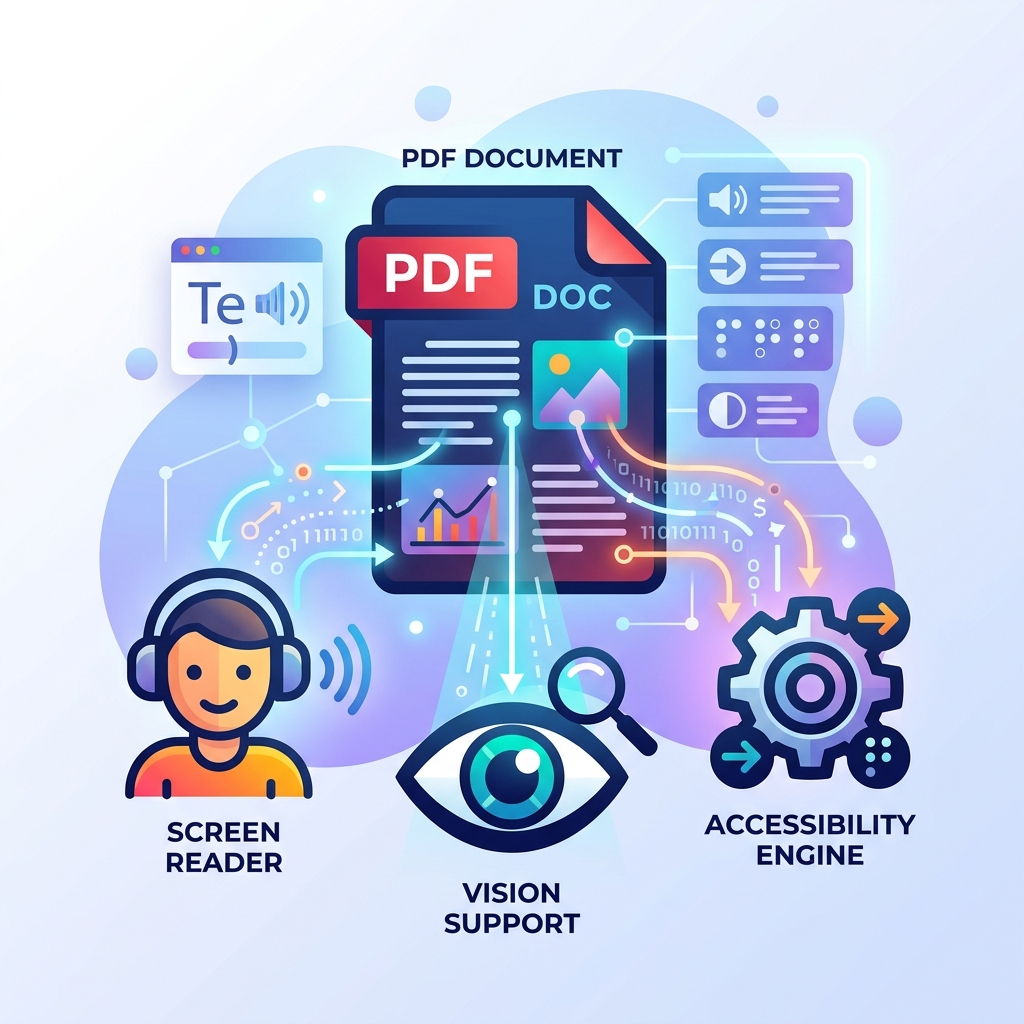
How to Make Your PDFs Accessible: Screen Readers and Standards
A practical guide to making PDF documents accessible for screen readers and compliant with WCAG standards without rebuilding them from scratch.
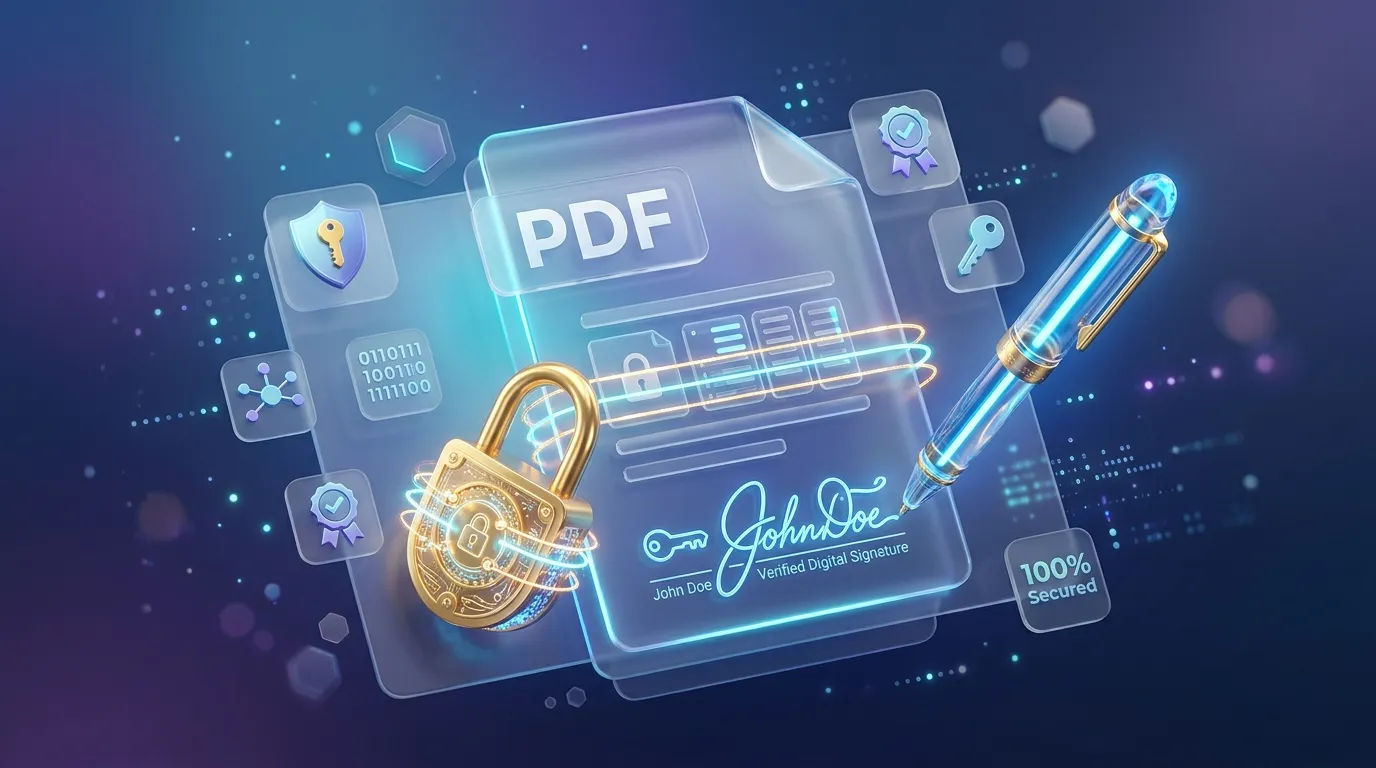
How to Sign, Secure, and Password Protect Your PDFs Online
Learn how to protect sensitive information in your PDFs, apply password encryption, and electronically sign documents directly in your browser securely.
Related tools
Convert Excel to PDF for free
Turn a spreadsheet into a print-ready PDF document.
Convert HTML or a web page to PDF for free
Paste HTML or enter a public web page address and download it as a PDF, with your choice of page size, orientation and margins.
Convert JPG or PNG images to PDF for free
Combine one or more images into a single PDF document, right in your browser.
Convert Markdown to PDF for free
Turn Markdown text or a .md file into a clean, formatted PDF document.
Make a scanned PDF searchable for free
Run optical character recognition on a scanned PDF to add a selectable, searchable text layer.
Convert PDF or Word to EPUB for free
Turn a PDF or Word (.docx) document into a reflowable EPUB e-book, ready for any e-reader.
Add a password to a PDF for free
Encrypt a PDF with a password so only people you share it with can open it.
Encode or decode a Punycode domain
Convert an internationalized domain name to and from its Punycode (xn--) form, in your browser.
Generate a QR code for free
Create a static QR code for a URL, text, Wi-Fi, or contact card in seconds.
Scan a QR code online for free
Upload or paste a QR code image to instantly decode its content.
Add a logo to your QR code for free
Generate a QR code with your logo in the center, right in your browser.
Generate random numbers online
Generate one or many cryptographically random integers in a range, optionally unique, in your browser.