

Shrink PDF file size while keeping quality readable, right in your browser.
Updated
/ 5 - Be the first to rate this tool Thanks for rating!
Verification failed - please try again.
Quick check
Please verify you're not a robot to submit your rating.
Give feedback
Tell us what you think about Compress a PDF file for free.
Drop a PDF here, or click to upload
Re-renders pages at a lower quality to shrink file size
Pages are re-rendered as images to shrink size, so text stops being selectable in the result — best for scanned or image-heavy PDFs.
Your file will appear here.
Processing…
- Runs entirely in your browser — your file is never uploaded
- Shrinks file size while keeping text sharp and readable
- No file size limit on the free tier
How it works
-
1
Upload the PDF you want to fix or shrink.
-
2
It's processed automatically — there are no settings to configure.
-
3
Download the optimized PDF, ready to share.
Why use this tool
Every PDF task, one place
Merge, split, compress, convert, sign, and more — no need to juggle separate apps for each job.
Private by default
Most tools process your file entirely in the browser — it's never uploaded. When a conversion needs the server, the file is deleted within the hour.
Works on any device
Runs in the browser on Windows, Mac, Linux, iOS, and Android — nothing to install, nothing to trust but the tab.
Fast by design
No queues and no desktop app to wait on — most jobs finish in a few seconds, right where you are.
Convert to and from any format
Move between PDF, Word, Excel, PowerPoint, images, and HTML — output stays true to your original formatting.
Free, always
Every tool here is free to use, with no watermarks, page limits, or forced trial period.
Frequently asked questions
No, compression primarily targets embedded images and fonts; standard vector text remains perfectly sharp.
It downsizes high-resolution images, discards hidden metadata, and optimizes the internal PDF structure.
Heavily compressed files are best for web viewing or email; for professional printing, keep the original file.
If the PDF consists mainly of text without large images, it is likely already highly optimized and cannot shrink further.
Yes, you can choose between different compression profiles depending on how aggressively you need to reduce the size.
From the blog
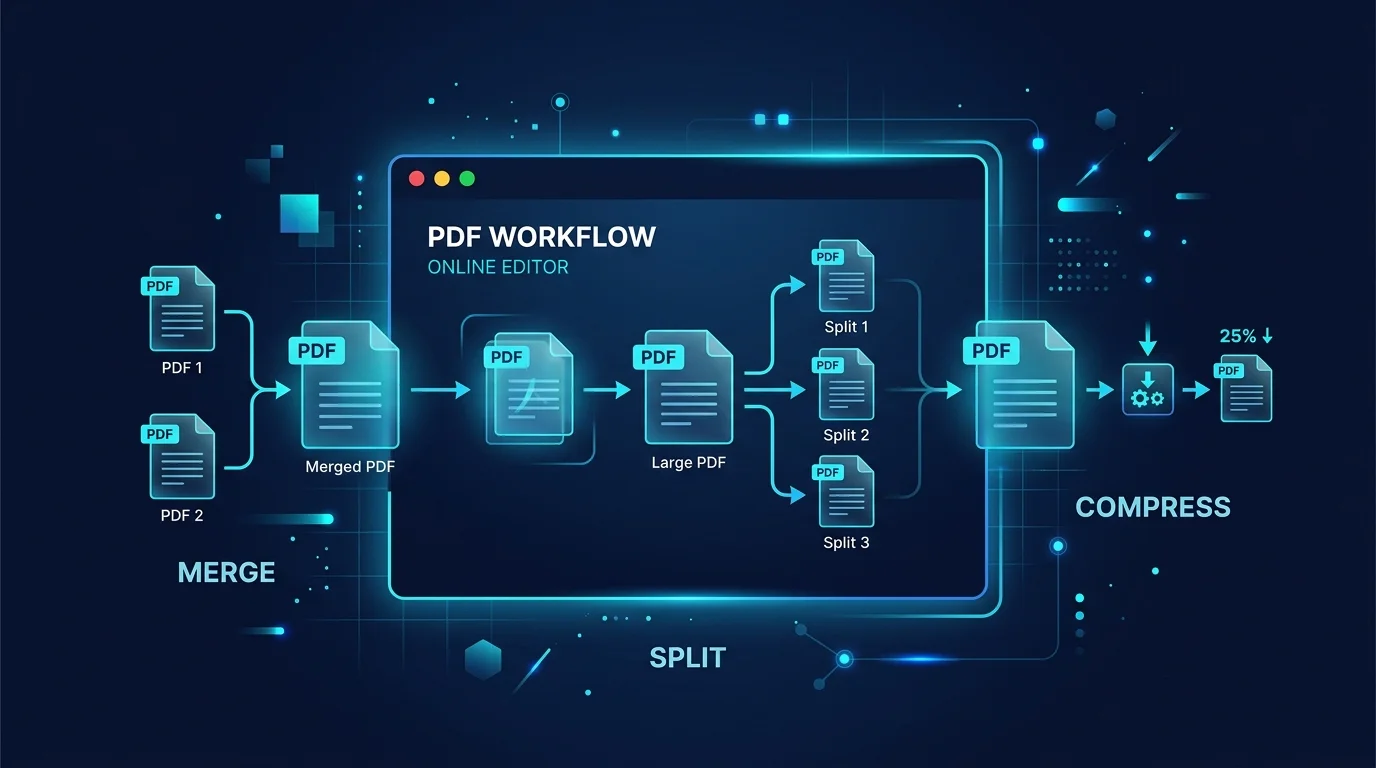
Editing a PDF in Your Browser: How a Client-Side PDF Editor Actually Works
Adding text, filling forms, signing, and rearranging pages without a single byte leaving your machine. Here is what a browser-based PDF editor can do, what it cannot, and why that distinction matters.
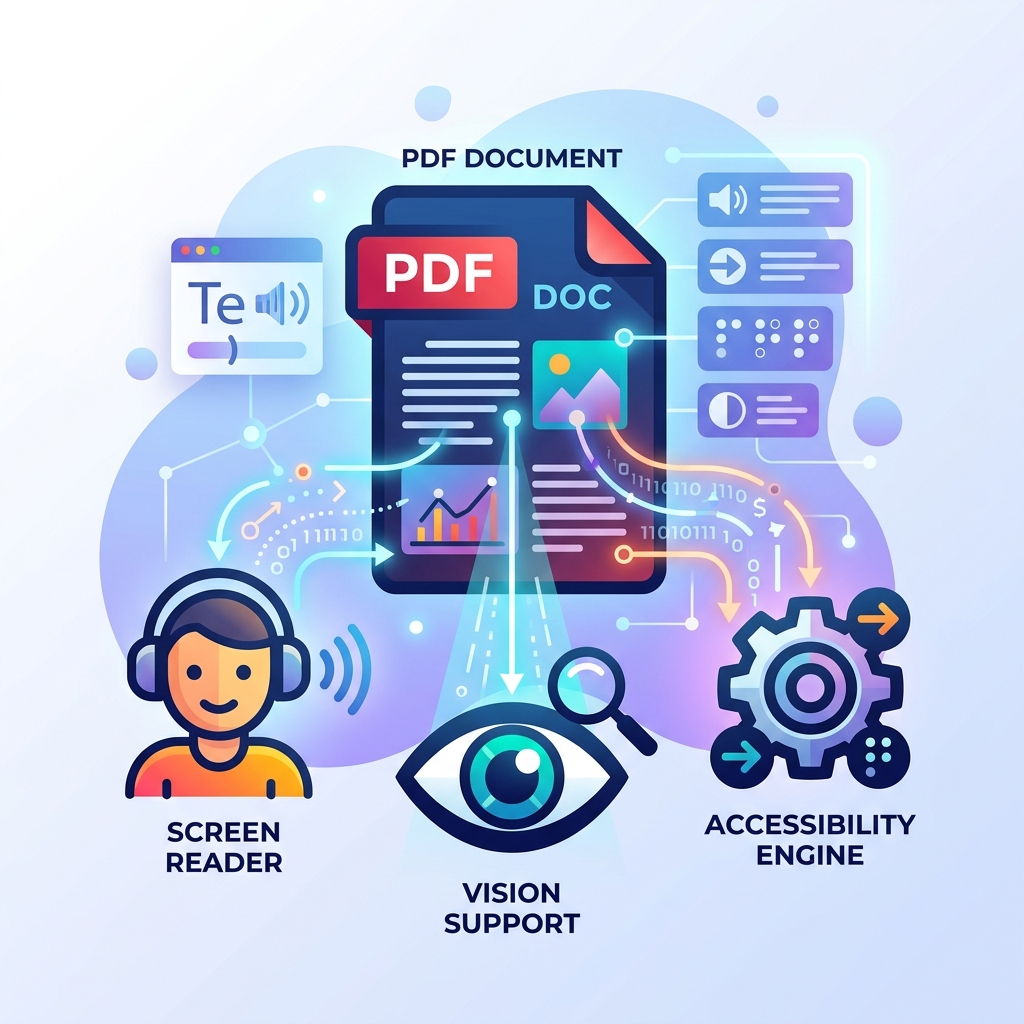
How to Make Your PDFs Accessible: Screen Readers and Standards
A practical guide to making PDF documents accessible for screen readers and compliant with WCAG standards without rebuilding them from scratch.
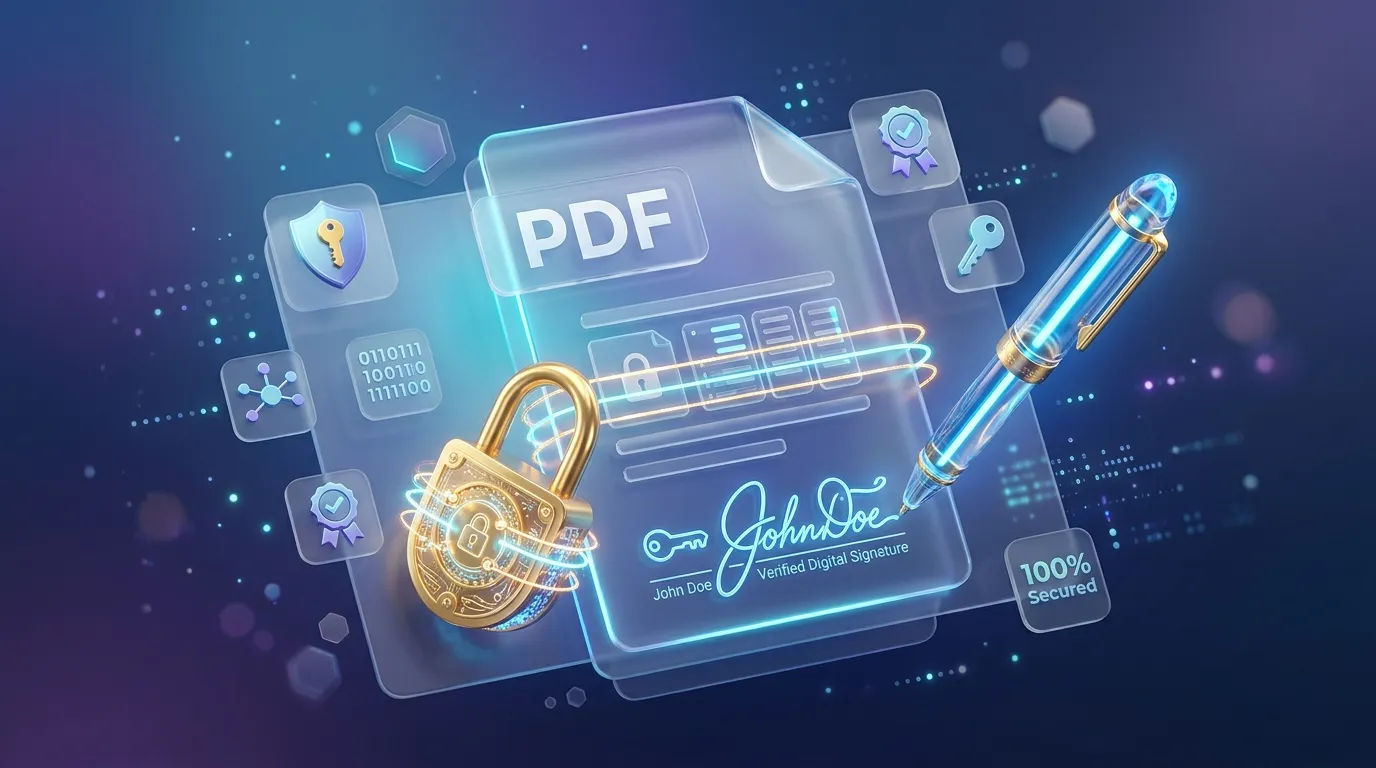
How to Sign, Secure, and Password Protect Your PDFs Online
Learn how to protect sensitive information in your PDFs, apply password encryption, and electronically sign documents directly in your browser securely.
Related tools
Repair a damaged PDF for free
Attempt to recover a PDF that won't open or renders incorrectly.
Convert images in bulk for free
Convert many images between JPG, PNG, and WebP at once, right in your browser.
Convert an image format for free
Convert between JPG, PNG, and WebP, right in your browser.
Parse a cron expression and see its next run times
Paste a 5-field cron expression to get a plain-English summary and the next 5 run times, in your browser.
Crop an image online for free
Crop images to an exact area or aspect ratio in your browser.
Generate a crypto payment QR code for free
Create a QR code for Bitcoin, Litecoin, Dogecoin, or Bitcoin Cash payments with an optional amount.
Format and minify CSS online
Pretty-print or minify CSS instantly in your browser, with adjustable indentation.
Convert between CSV and JSON online
Convert CSV to JSON or JSON to CSV instantly in your browser, with full quoted-field support.
Build a curl command online
Build a shell-safe curl command from a method, URL, headers, and body, in your browser.
Delete pages from a PDF for free
Remove one or more pages from a PDF, right in your browser.
Generate an email QR code for free
Create a QR code that opens a pre-filled email with your address, subject, and message.
Convert .env to JSON and JSON to .env
Convert .env files to a JSON object and flat JSON back to .env, handling quoted values, export prefixes and comments. Runs entirely in your browser, so secrets never leave it.